To allow more flexibility, another column (Tax) is available on the Kitting tab in the stock header.

Here, you can nominate the tax code by stock line, or leave it blank. If a tax code is nominated, when adding the kit to a job it will pull the tax code nominated here. However, if the tax code is blank the default tax code on the stock record will be used.

|
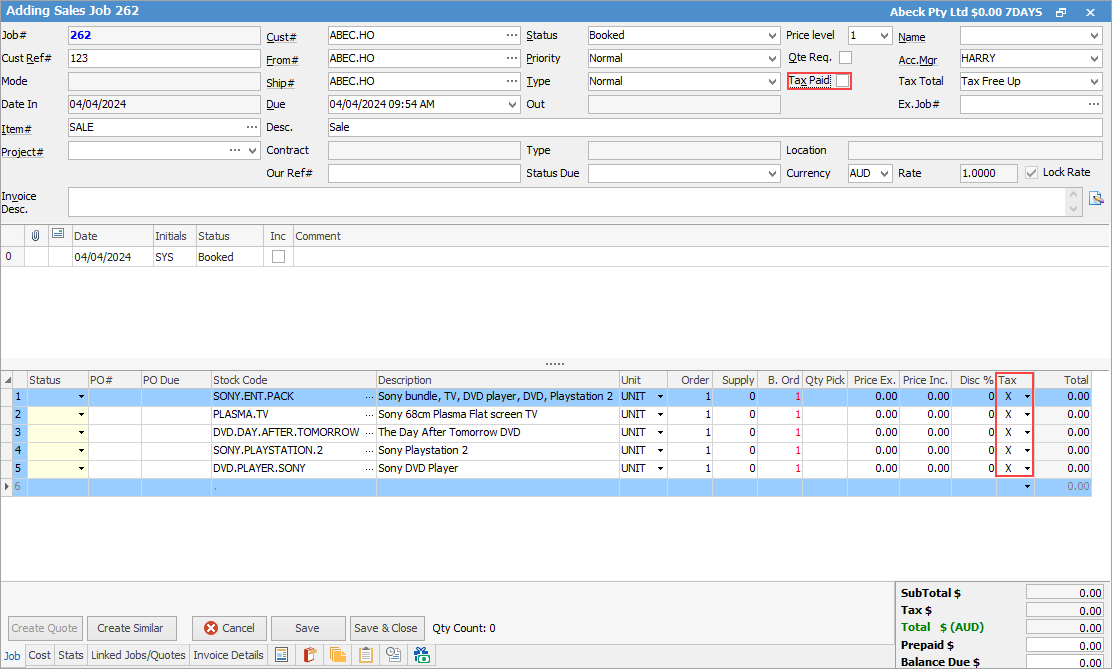
Note: If the tax code on the kit header in a job is changed, the tax code on the kit contents will also change to match the header. Untick Tax Paid in the Job header before changing the tax code on the kit header, which will effectively change the tax code for all its contents. |

Further information