|
This feature will not work for Jim2Cloud. |

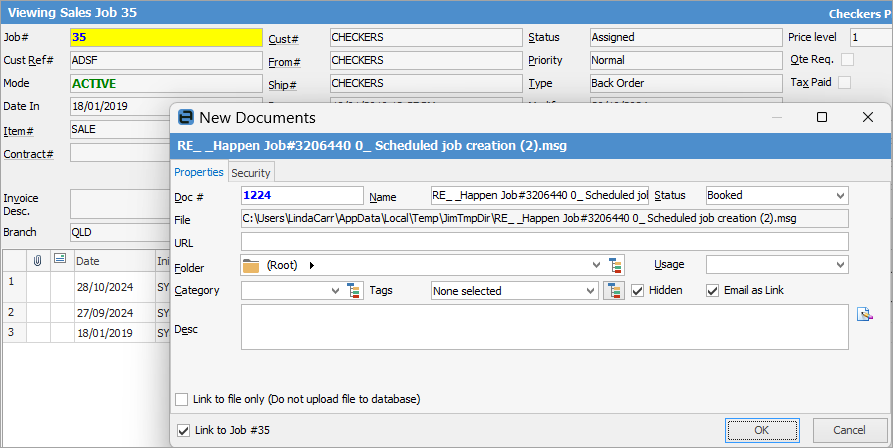
This explains how to drag and drop an email from Outlook into a job in Jim2.
With the job open in Jim2, go to Outlook and click/drag the email onto the job in Jim2. The following will pop up, allowing you to add the email to the job. When you open the email, it will open in Outlook.
Further information
Create a Job, PO or Quote from Email
Delete an Incorrect Email Address
Diagnosing Incoming Email Issues
Diagnosing Outbound Email Issues