Checking that Jim2 is receiving emails is a simple process. The best place to start is to create a new email list.
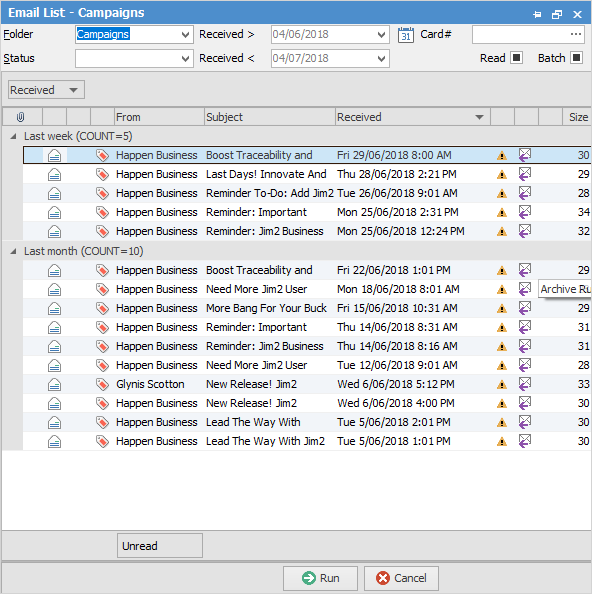
The latest email will be on the top of the list, showing the time and date that Jim2 received it.

Click Send/ Receive on the ribbon to force Jim2 to check for emails immediately:

If the JES service is not running, when selecting this icon a message will appear advising JES is required.
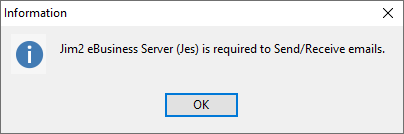
Review any warnings and take the required action (such as starting the JES service on the Jim2 Server).
After selecting Send/Receive, re-run the email list again to see if there is anything new. |
Test the email account
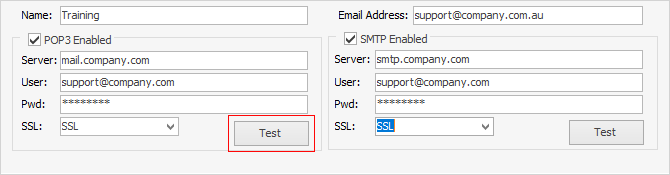
The receiving email accounts are set up in Tools > Setups > Email Accounts. Test that the settings are correct by using the Test button.
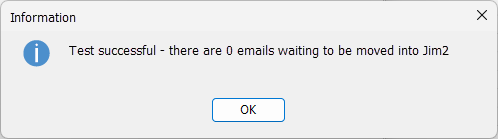
If the test is successful, a message will appear showing how many emails are waiting on the email server for Jim2 to collect:
If the test is not successful, information will display as to why (eg. wrong password, etc.).
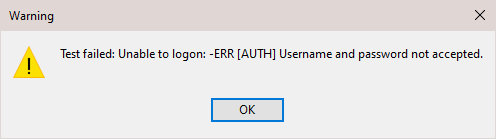
Review the account settings and adjust as required. Click Test as many times as required to test new account settings.
If the account says there are no emails waiting but there actually are, check with the internet service provider or IT support so they can confirm that email is getting to the email account.
Be sure to check that POP3 Enabled is ticked. Whilst it will test successfully, it will not collect if it is not ticked!
Please see here for further information on Office 365 issues.
Any issues receiving email will be recorded in the Windows Application Event Log on the Jim2 Server. Please review this log for errors. Also, whilst troubleshooting, it is advisable to disable any virus scanners and/or firewalls to eliminate them as possible causes. |
Further information
Create a Job, PO or Quote from Email
Delete an Incorrect Email Address
Diagnosing Outbound Email Issues