In the same manner that external files can be attached when sending an email, documents that are stored within Jim2 can also be added in a number of ways.

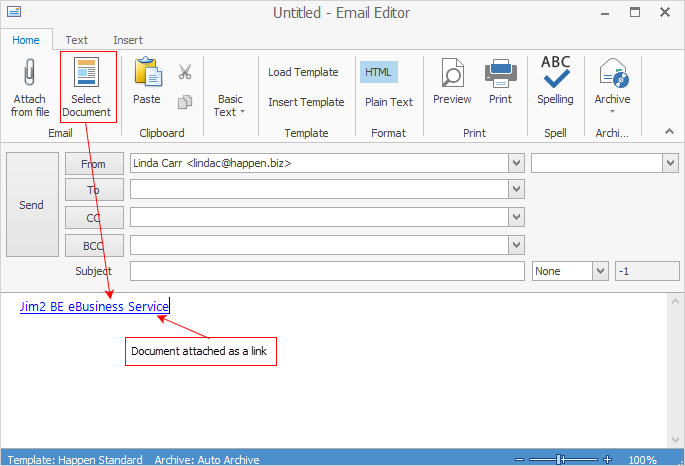
▪Create a new email, and choose Select Document. 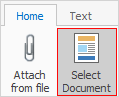 ▪The Document Select screen will appear. 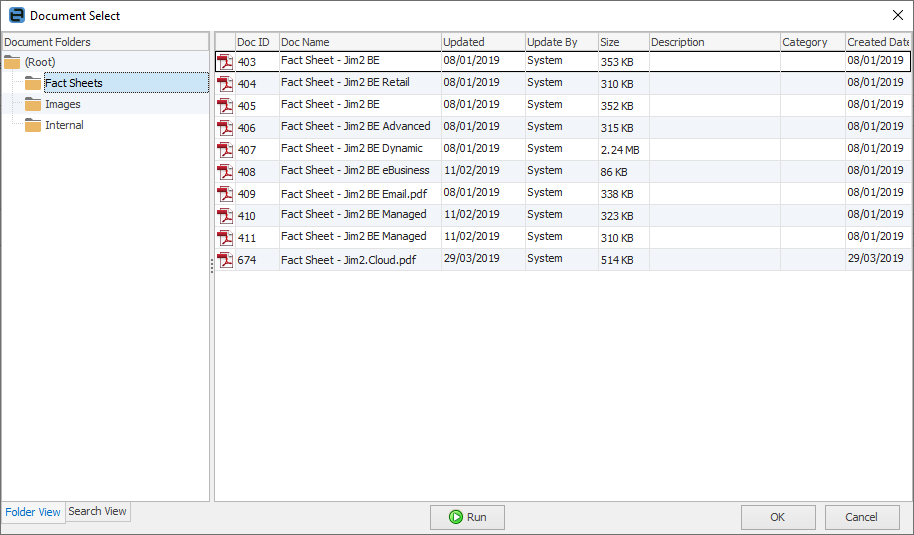 ▪Select one or more documents (by multi-select), then select OK. ▪Compose the email message, then select Send. |
Rather than attach an entire document to an email, a link to that document can be inserted. To do this, the document must have a URL that points to a copy of the document located somewhere on the web, and be flagged as Email as Link.
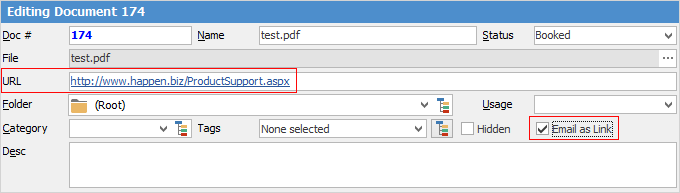
The document will be added as the document name with a link to the URL. Not only does this reduce the size of the email, and possibly reduce the chance of the email being flagged as spam, but it will also reduce the size of the Jim2 database.
 |
From within an object, select Related on the ribbon, then attach documents that are only related to that object, ie. only the documents that are stored in the Documents tab of that object will appear.
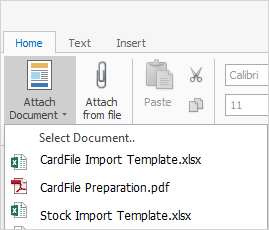
Other documents can still be selected from Jim2 Documents if desired. |
Jim2 automatically increases the email count (the number of times the document has been emailed) whenever a document is attached to an outgoing email. It also increases the document’s linked count whenever the document is linked to an object (job, quote, etc.). This provides an easy way to rank and identify popular documents.
|
 |
The linked and emailed count of each document is shown in two of the columns of a Document list, and in the footer of each individual Document record.
 In Document list
 In footer of Document when viewing |
|
Since all documents are stored within the Jim2 database, the Jim2 backup file size will increase accordingly. See Database Size Maintenance for more information. |

Further information
Create a Job, PO or Quote from Email
Delete an Incorrect Email Address
Diagnosing Incoming Email Issues
Diagnosing Outbound Email Issues