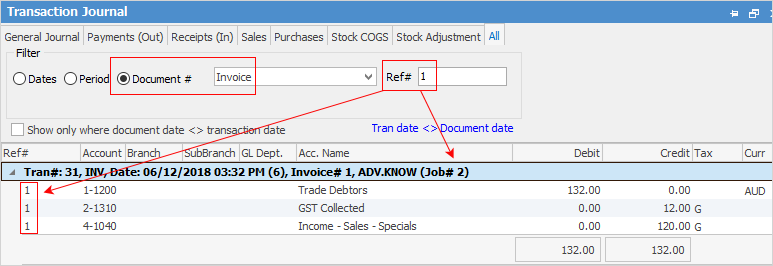
When an invoice has been unprinted, you can only view it in the Sales Register by entering the number in the Invoice# field in the header. You cannot drill down to the job from here, however the invoice number can also be found via the Transaction Journal, and this will also show the job number.
|
If an invoices is part of a Commission Session it cannot be unprinted. The Commission Session must be deleted first. |

It is also possible to reinstate a cancelled invoice but you need to identify the job number first to see if it is possible.
On the ribbon, go to Jobs > Sales Register to find the cancelled invoice. This will show who the customer is. Then run a list of jobs on a status of Cancel for that customer to find the correct job.
|
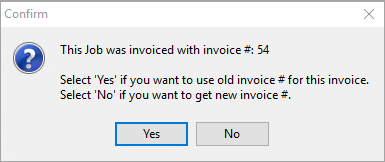
When you unprint an invoice and are ready to re-invoice the associated job, you will receive have the option to use the original invoice number.
 |
Further Information
Invoice COD Customer Without Taking Payment
Raise a Tax Invoice for Progress Claims
Receive Payments when Invoicing