Personalise quotes by either:
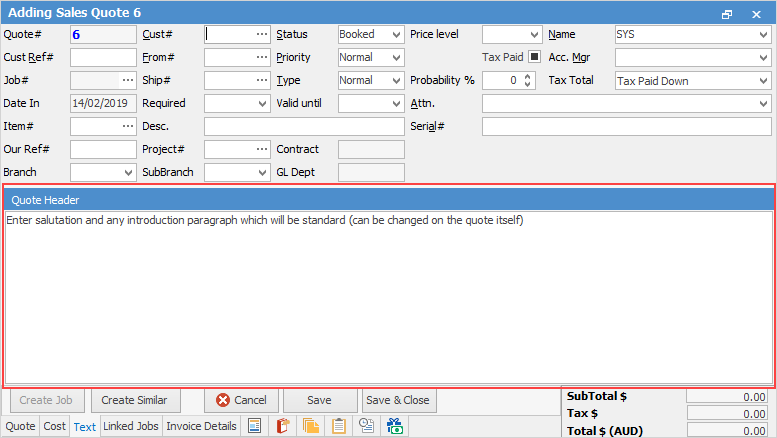
▪Entering a specific message in the header field, accessed via the text tab in the Quote form (this message will appear only on this quote).
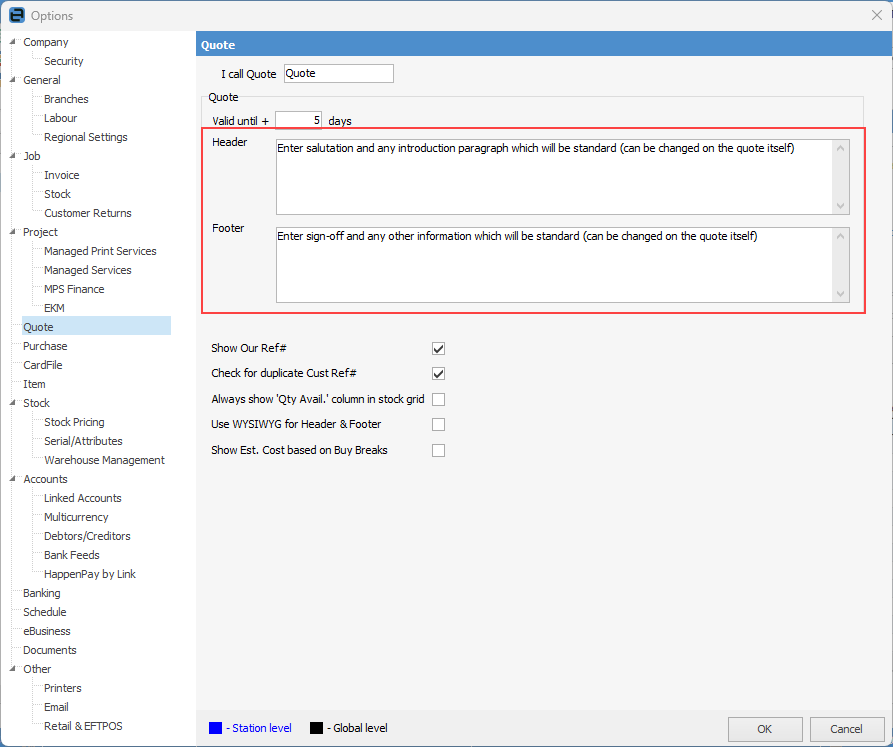
▪Enter a message in the header/footer fields in the Quote Options tab, accessed via Tools > Options on the ribbon (this message will appear on all quotes, but can be changed as per above if required.)
 |
Note: If you see strange characters in the text tab on quotes for the headers and/or footers, turning this on will fix that problem. |
Further information
Create Quote from Previous or Similar Quote
Create a Template for Recurring Quotes