The best way to add capital (owner introduced funds) is by adding a deposit.
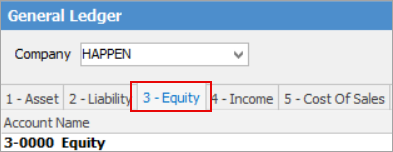
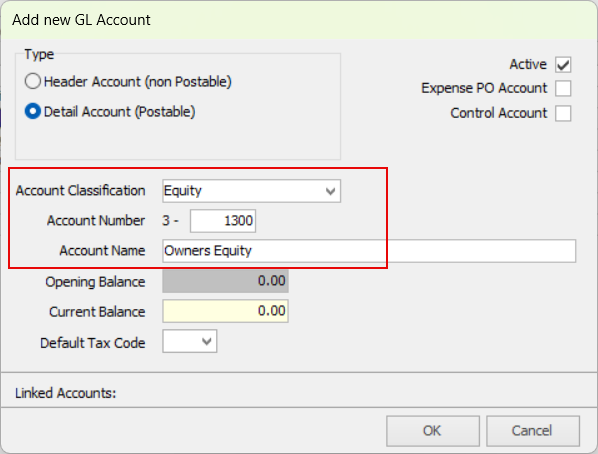
You may first need to set up a general ledger account under the Equity tab. This account code would usually be called Owner's Capital, Shareholder Contributions or Owner's Equity.
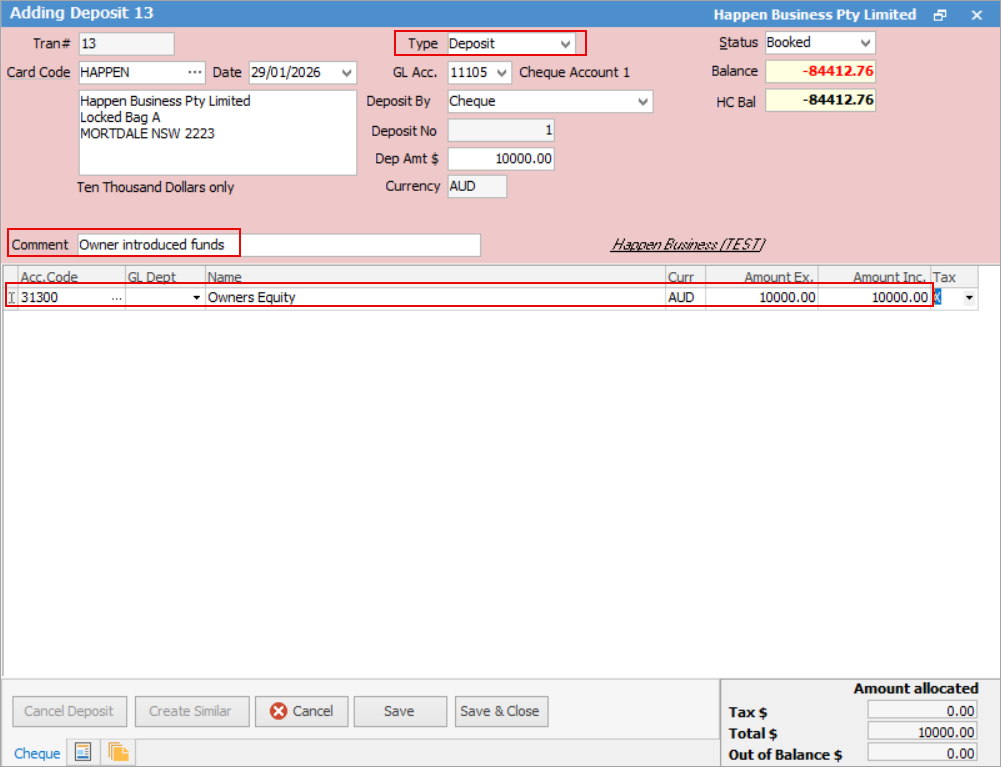
On the ribbon, go to Accounts > Chequebook and click Add. Change the Type to Deposit. Select the company card code, then choose the GL account where you wish the money to be deposited to. Enter the deposit amount and add a comment.
Further information
Charge a Customer an Account Fee
Clear the Historical Balancing Account
Enter ATO Reportable Sub-Contractor Payments
Enter Government Support Payments
Enter Prepaid Expenses and Amortising Costs
Remove Duplicate Payments in Closed Period
Share Utility Expenses with other Businesses
Suggested End Of Month Procedures
Understanding Debits and Credits