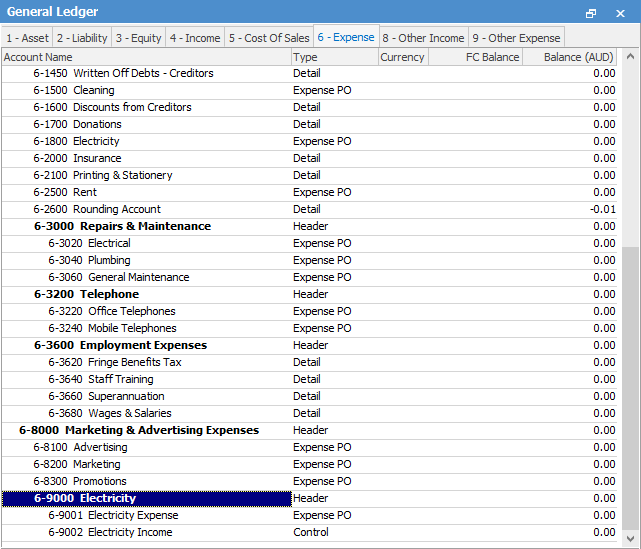
In the general ledger, at header account for Electricity, add two sub accounts – Electricity Expense, and Electricity Income. The net result of these two sub accounts will report up to the header account with the total expense to the company.
Set up a new Stock GL account via Tools > Setups > Stock GL Accounts:
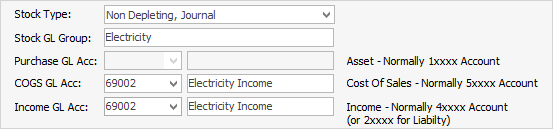
Create a new stock code – Electricity, and point the new stock code to the Electricity Income sub account set up as above.
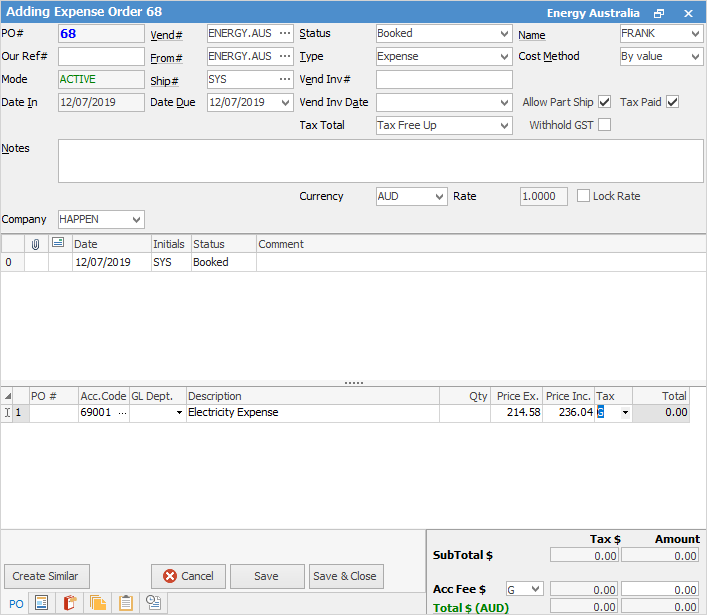
Add the full electricity expense using the Expense Order function, and post the full account to the Electricity Expense sub account.
 |
Some letters in the field names within the header are underlined, eg. Vend#. Using Alt+ the underlined letter will jump to the field beside that heading. |
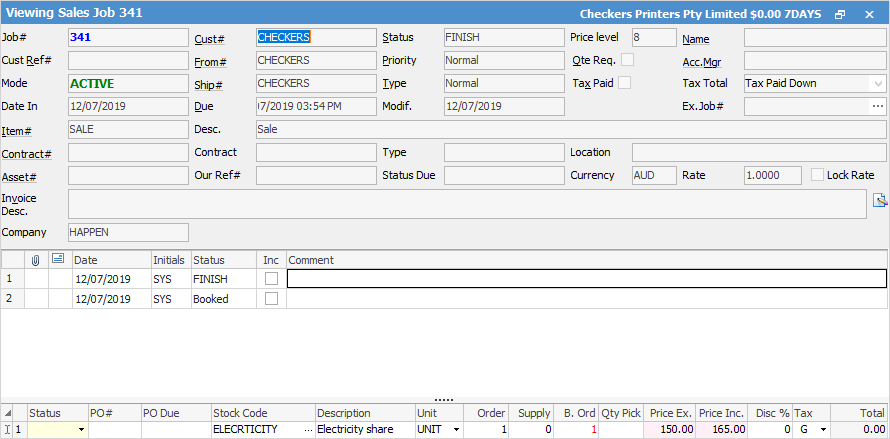
Add a job and invoice the electricity to the other company.
Further information
Charge a Customer an Account Fee
Clear the Historical Balancing Account
Enter ATO Reportable Sub-Contractor Payments
Enter Capital into the Business
Enter Government Support Payments
Enter Prepaid Expenses and Amortising Costs
Remove Duplicate Payments in Closed Period
Suggested End Of Month Procedures
Understanding Debits and Credits