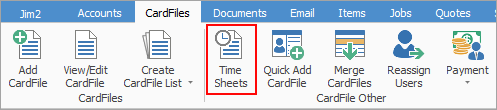
To add actual labour to objects from the Time Sheet list, go to CardFiles > Time Sheets on the ribbon and click Add.
The Time Sheet screen will appear for entry of times.
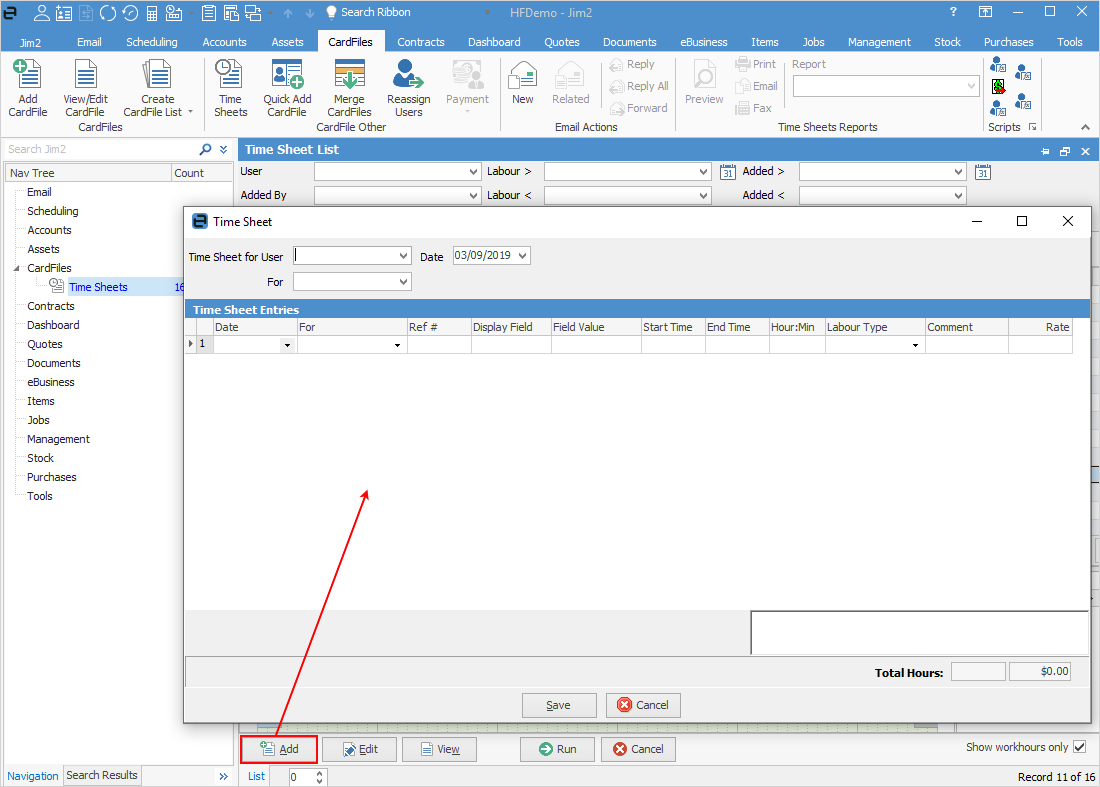
Select the user to add labour for, then the date. Fill in the fields in the Time Sheet entry grid.
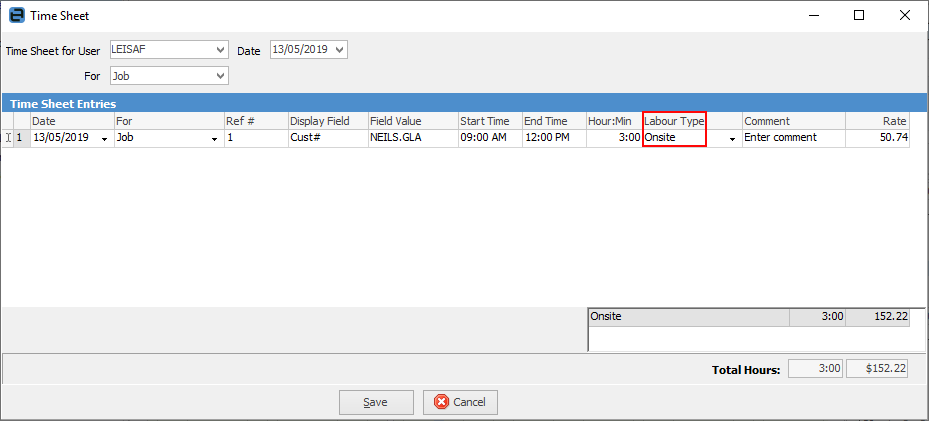
The labour type will automatically default to the Jim2 user’s default labour type, as set in their cardfile.
Enter the labour date, select the For type, then enter the relevant Ref# (the Job#, PO#, etc.). Enter the labour start time, then the end time, or enter the number of hours/minutes in the Hour:Min field – Jim2 will automatically calculate the end time.
The default labour type can be overridden, then a labour comment entered if the user’s default internal hourly labour cost (based on the Labour type) has already been defaulted but needs to be a different type.
Further information
Bulk Update CardFiles with BPAY Ref
Export a CardFile Report to Spreadsheet