There are a number of ways of exporting a CardFile List from Jim2. Following are some examples, the first being the recommended way.
Export reports in the ribbon using the Excel icon in the Report area of the ribbon
You can use the Excel icon to produce reports directly to Excel. Permission for use of this is based on security since it accesses the report for the information.
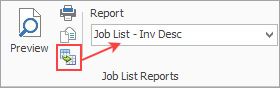
When you click Excel, it will first pop to screen any further filters that may apply, then open a spreadsheet window and populate it with the data from the report selected. Each report pipeline will be represented in a separate sheet, eg. Job, JobComments, JobStock, etc.
 |
Note: If the report selected is an Email from type of report when the further filter screen appears, you will see that the only option you have is to Email. There will be no spreadsheet created. |
Upon opening this window, you can the proceed to use the Save to File button at top left to save to Excel.

Run a CardFile List according to the group required.
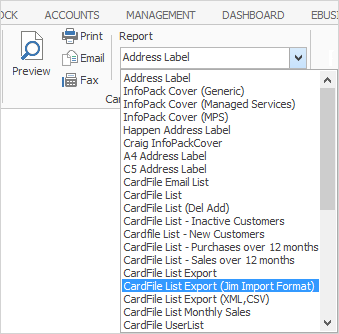
Click the ellipsis [...] and choose where to save the file.
Clicking Print or Preview will present a preview of the spreadsheet.
This will produce a PDF spreadsheet showing details from the Card, Customer, Vendor and Contacts tabs of cardfiles.
Click Save to File, and save as type .XLSX. When opening the spreadsheet, go to the sheet that says Enter your data here and format as required. |
Run a CardFile List based on a report or non report group. On the ribbon, go to Report and select CardFile List Export (XML, CSV).
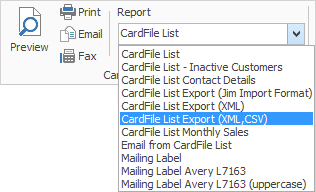
Click Print.
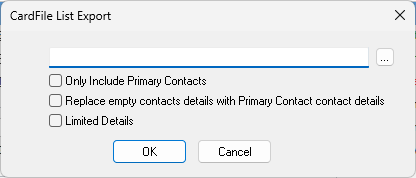
Click the ellipsis [...] and choose where to save the file, then select either XML or Comma Separated Values (CSV is quicker and easier to open).
Open the XML or CSV file and a number of rows and columns will show that will need to be cleaned up prior to using. |
Create a CardFile List, right click within the list and select Export Data. This will save only the data based on the grid columns selected in the list as an XLSX file for editing purposes.
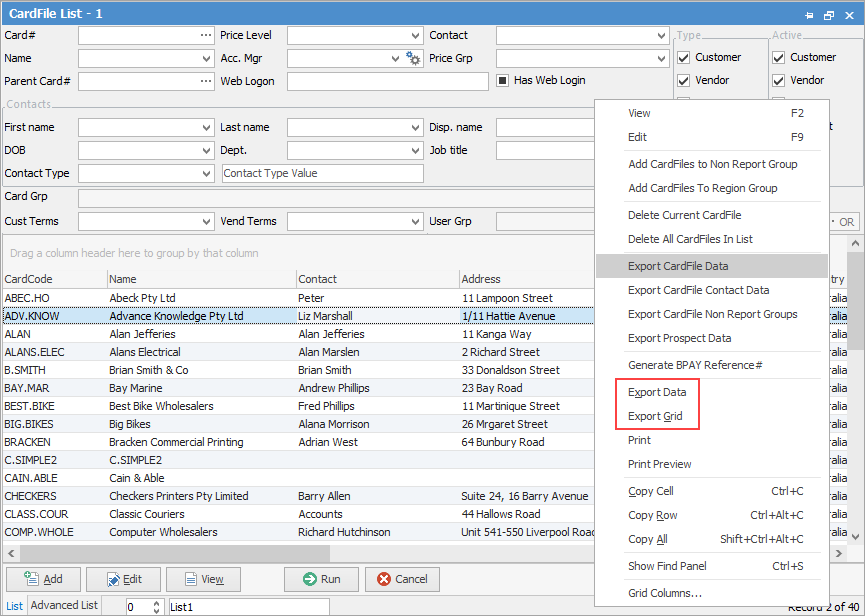
Selecting Export Grid will save the data in the list as an XLSX file with all headers intact (useful when there is more than one set of header rows). |
Create a CardFile List, right click within the list and select Export CardFile Data. This will save only the data based on the grid columns selected in the list as an XLSX file for editing purposes.
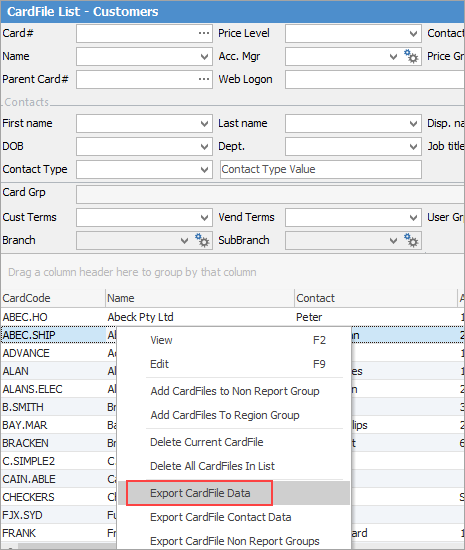
This will produce a spreadsheet showing details from the Card, Customer, Vendor and Contacts tabs of cardfiles. It will also contain branches, GL departments report levels, price levels, terms, credit limit, credit hold, ship via, statement/invoice send via, account manager, BPAY and batch invoice group by information.
The other export types are self explanatory. |
Further information
Bulk Update CardFiles with BPAY Ref
Export a CardFile Report to Spreadsheet