Vendor price breaks enable different costs to default in a purchase order based on the quantity purchased.
To manually add a new price break, edit the stock code, then select the Vendors tab. Hover over Vendor RRP, right click and select Add new price:
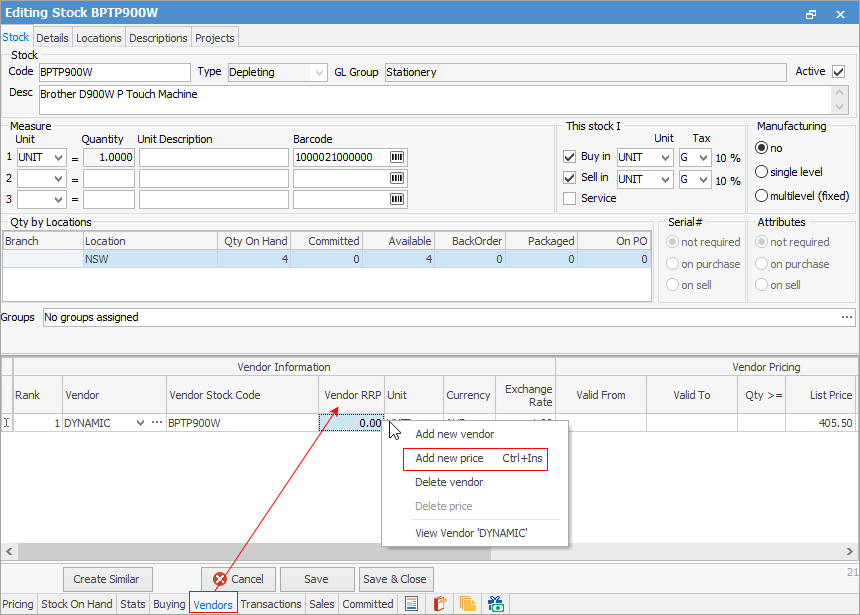
You can add as many price breaks as you like for the one vendor, or for multiple vendors:

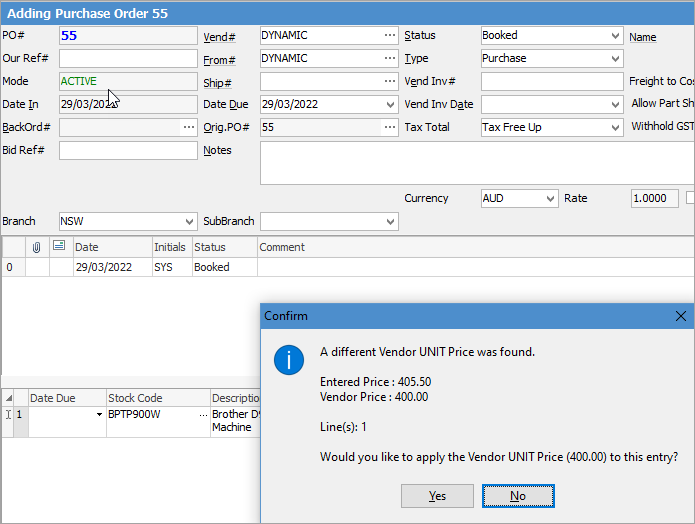
When adding a purchase order, a message will pop up advising the correct cost based on the price breaks set up. Click Yes.
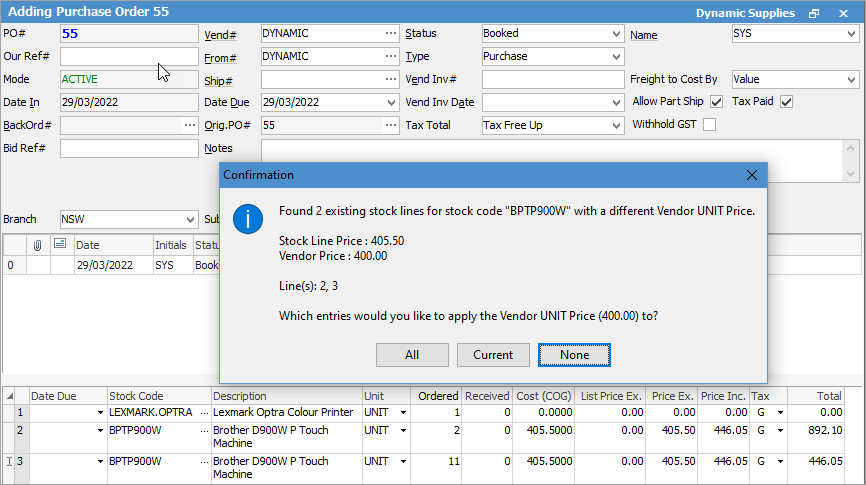
If spread over multiple lines, you do have the option to apply the quantity break over the total. For example, line 1 is for 10, line 2 is ro 1 and the same stock code is on line 3 for 1, you have the option to apply the quantity break pertaining to the total of 12:
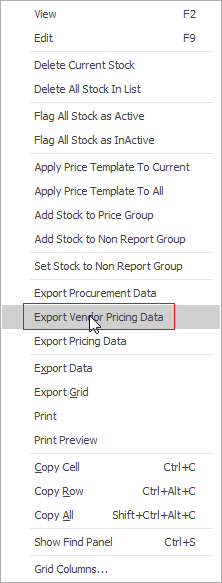
You can export the data from a stock list, right click and select Export Vendor Pricing Data:
This template is where you can add price breaks – you can import up to 7 price breaks:

When you update the template, import via Tools > Stock Vendor Pricing.
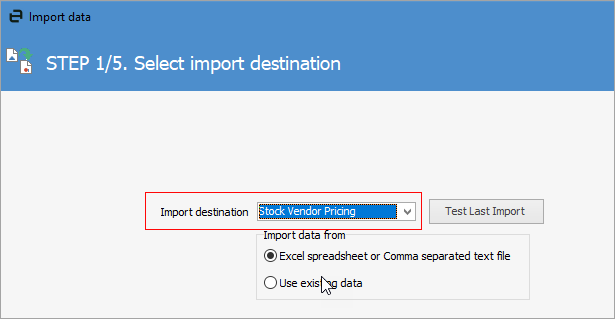
The fields should map automatically if you don’t change the headings:
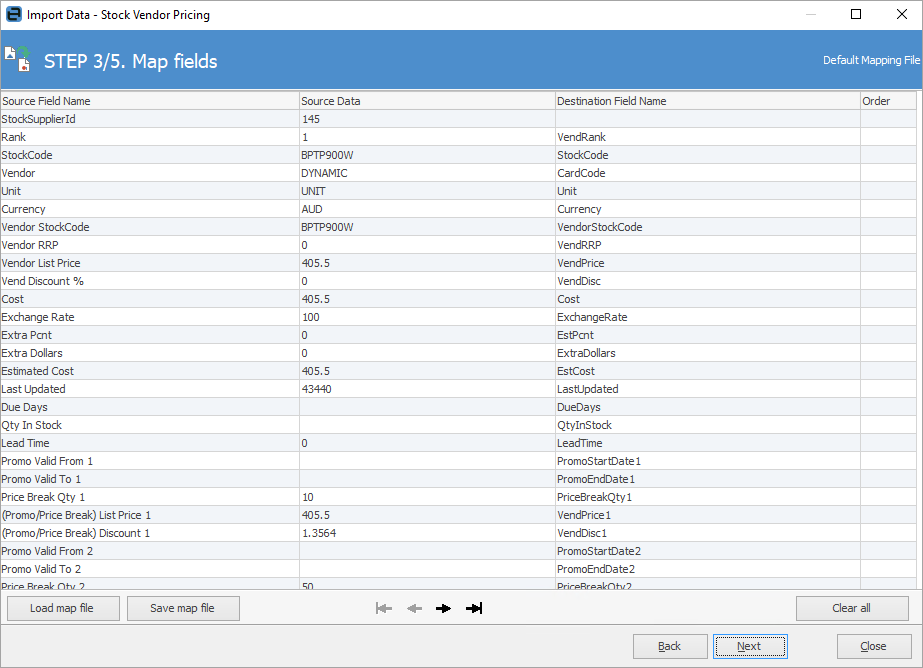
In the next screen, click Synchronise.

Further information
Add an Amount to a PO when Finished at $0
Add Comments to a Purchase/Expense Order
Add Freight to a Purchase Order
Enter Progress Payments on Purchase Orders
Export a Purchase Report to Spreadsheet
Fix Incorrect Pricing after PO Finished
Fix Incorrect Vendor on Purchase Order
Handle Employee Reimbursements
Handle a Credit for Freight Charged
Link a Job to a Purchase Order
Link Expenses to a Purchase Order
Print a Purchase/Expense Order
Record One Invoice Number on Multiple POs
Record Overseas Purchases, GST, Import Costs