To update the lead times on the Vendor tab of stock, run a stock list, right click and select Export Vendor Pricing Data.
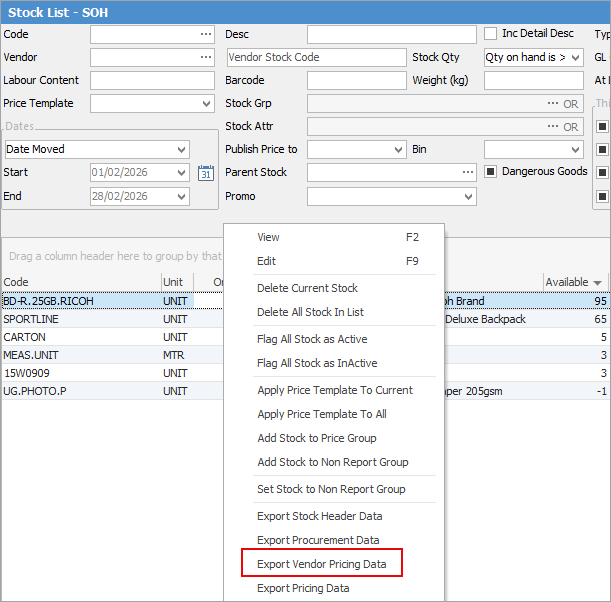
Do not delete any columns, then update the Lead Time column on the spreadsheet.
On the ribbon go to Tools > Import Data and select Import destination: Stock Vendor Pricing.

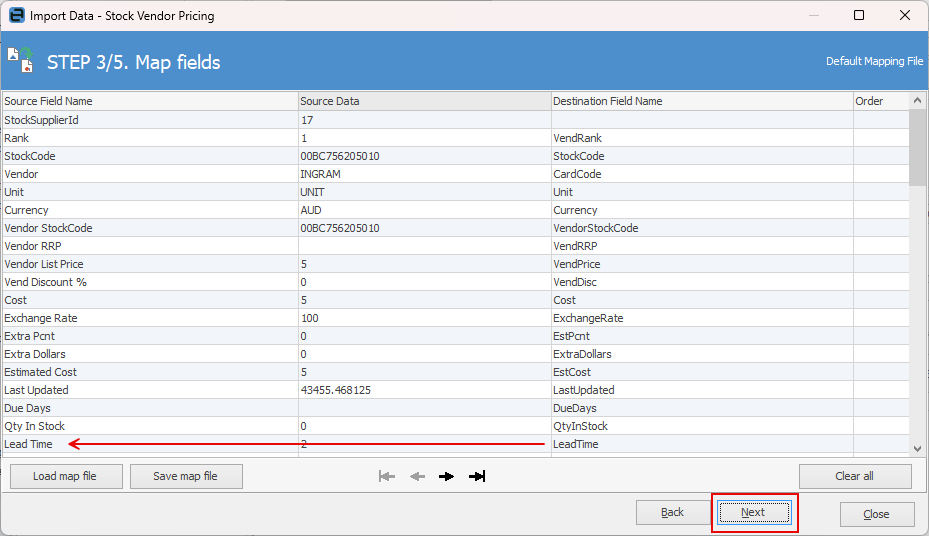
Click Next. Select the Source File name and open the saved spreadsheet. Map the Source Field Name to the Destination Field Name if not already done. by clicking in the field to reveal a down arrow so you can choose the correct destination.
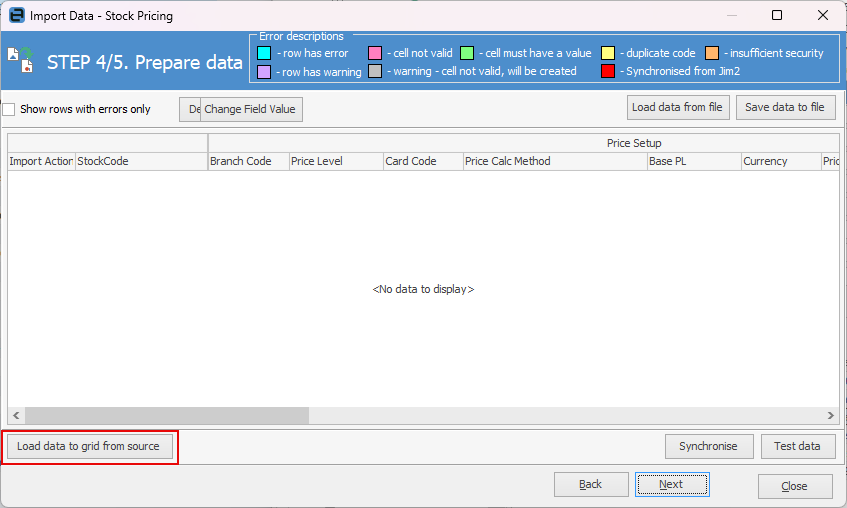
Click Next, then Load data to grid from source.
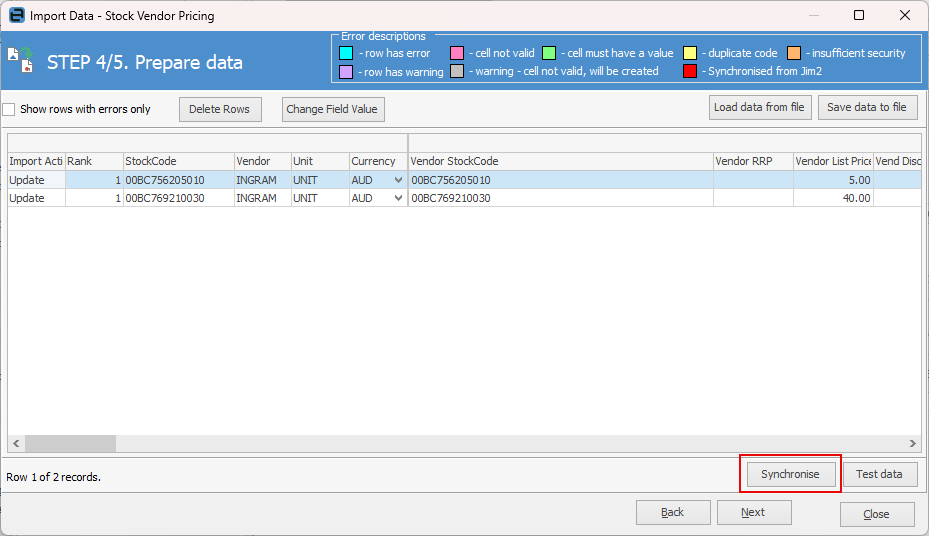
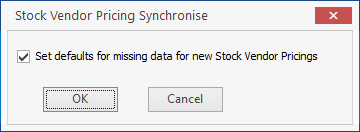
Click Synchronise, (this step is important as it ensures everything is ok to bring in to Jim2.)
Tick OK at the following window.
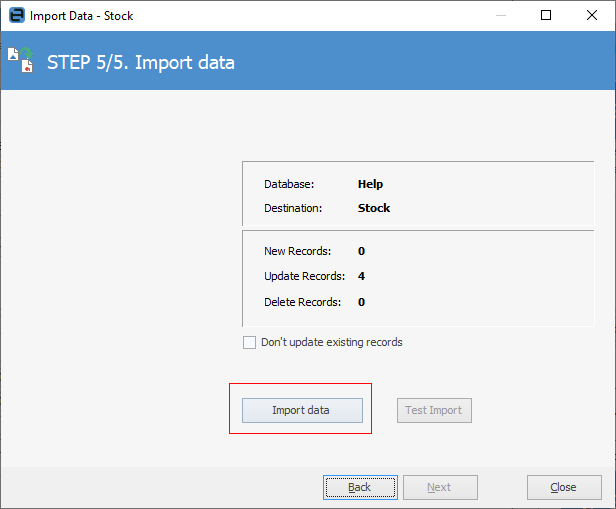
You will receive a pop up advising that the data test was successful.
Select Import data and you're done.
Further information
Backfill Stock Sold in Advance
Buy and Sell in Different Measures
Change a Serial Number on a Stock Record
Export a Stock Report to Spreadsheet
Generate Backdated Stock on Hand Report
Move Stock from Depleting to Asset
Report Showing all Vendors on Stock
Stop Users From Giving Discounts
Update Existing Vendor Pricing