When the job has Tax Paid ticked in the header, you will not be able to change the tax code in the stock grid.
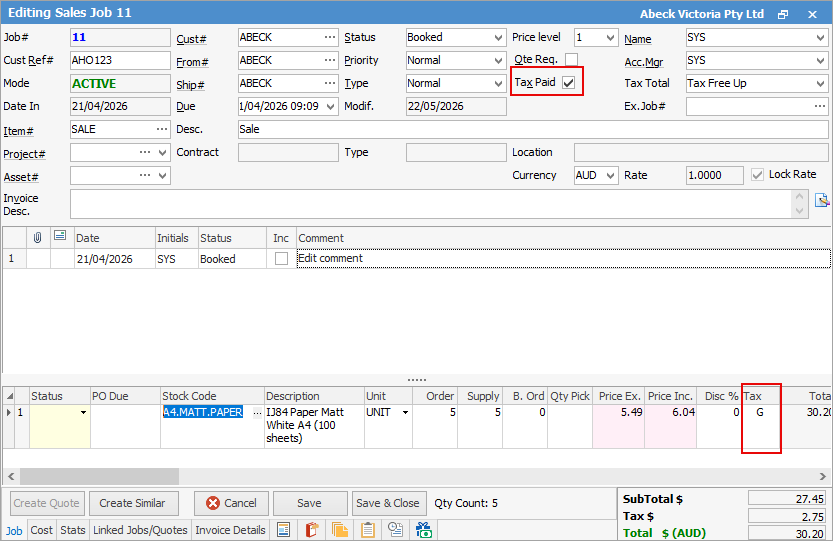
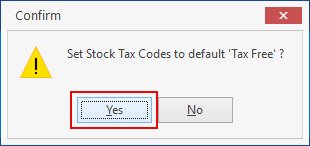
You must edit the job and untick Tax Paid. You will receive a confirmation, which you can say Yes to.
You will now be able to change the tax code to whatever is required:
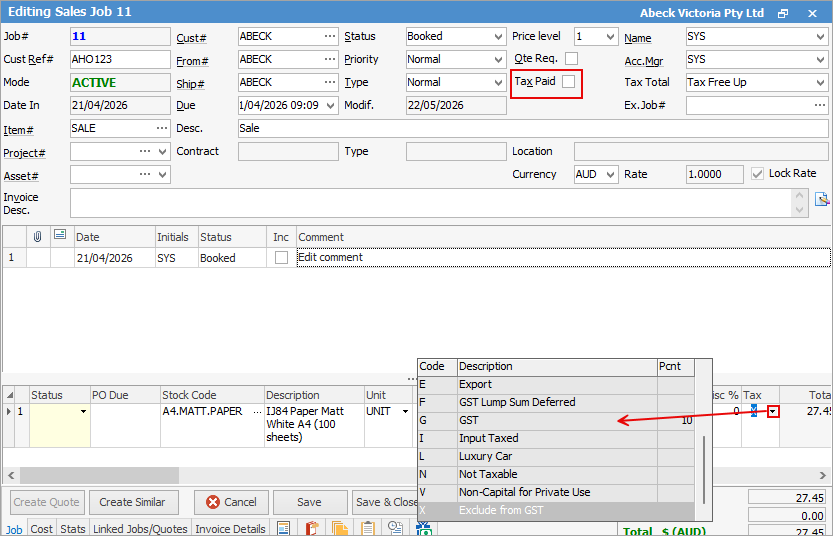
When the job has Tax Paid unticked, you will be able to change the tax code immediately.
Further information
Add Stock to Job When Insufficient Stock
Auto Create Purchase Orders from Jobs
Charge Customer a Re-stocking Fee
Create a Job from a Similar or Previous Job
Create a Template for Recurring Jobs
Credit an Overcharged Customer
Export a Job Report to Spreadsheet
Export Labour Hours from a Job
Make Progress Payments and Claims
Select Serial Numbers on a Job
Stock Availability Allocation Process by List
Stock Availability by Location on the Fly